Bilingual Answering Service for Auto Repair
Our bilingual answering service for auto repair collects vehicle and callback details in Spanish or English when your shop cannot answer. Hear the demo, then request a free trial to test your intake questions and appointment process with your shop information once it's ready.
Try a call in Spanish Request a free trial
Request a 14-day free trial, up to 100 minutes.PrivacySecurity
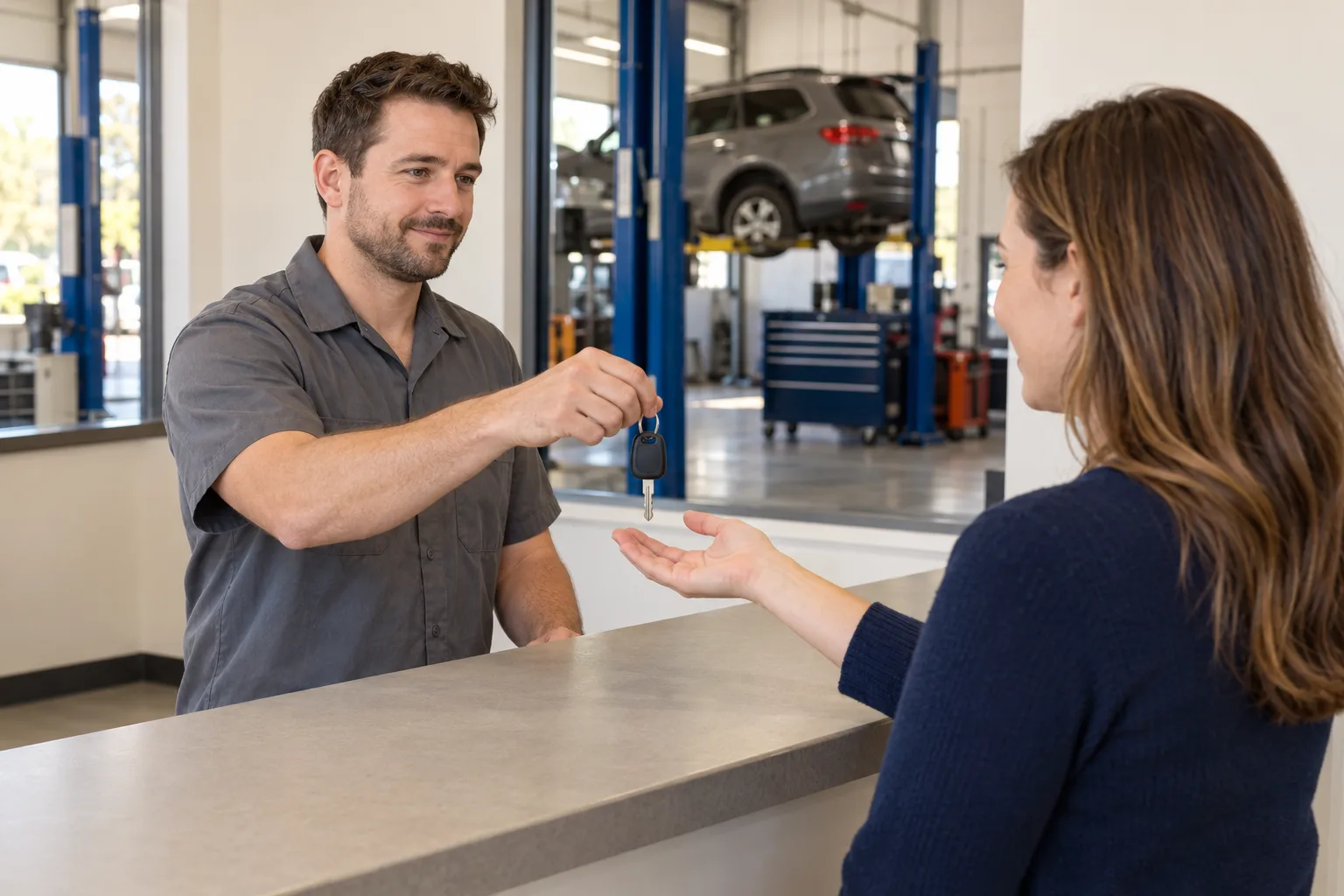
Collect repair inquiries while your shop works on vehicles
Your receptionist answers forwarded shop calls and asks for the vehicle details and concern you want recorded. Customers can explain in Spanish or English while your team works on vehicles.
Vehicle intake
Ask for make, model, and the concern the customer wants your shop to review.
Clear contact
Read back names and phone numbers before passing the message to your team.
Shop information
Share the hours and service details you provide during setup and later updates.
Full details
A caller may need a routine service appointment or want someone to discuss a new noise. Configure your receptionist to collect the vehicle make, model, callback number, and description in the customer's own words. Your service advisor can review the message before returning the call.
Someone who starts in Spanish can switch to English for a vehicle model or part name. The receptionist follows that language change without requiring a new call. You choose whether these inquiries become appointments in Google Calendar or callback messages for the shop.
Follow a vehicle concern from greeting to shop message
The receptionist gives virtual-assistant and recording notices, in both opening languages if you enable the bilingual greeting, gathers the vehicle concern, and confirms key details. It then follows your shop's appointment, callback, or urgent routing instructions.
Customer description
Capture what the caller reports about the vehicle without presenting a diagnosis.
Read-back check
Confirm the caller's name and number so your advisor can return the call.
Shop handoff
Send the call details by email and app push notification for your team.
Full details
Suppose a caller says “El carro hace ruido,” meaning “The car is making a noise.” Your receptionist can ask for the vehicle information and the description your shop wants collected. If the customer changes to English while describing the sound, the conversation can continue.
The receptionist reads back names and phone numbers. It takes callback details or books an appointment according to your setup. If the request matches your urgency rules, it uses the contact order you chose. Your notification includes a summary, urgency tag, transcript, and recording for the advisor to review.
Set your shop's services and intake questions
You define accepted services, hours, price policy, vehicle intake questions, and escalation contacts. Choose the calls you want forwarded and whether customers should book appointments or wait for your callback.
Service boundaries
List the work your shop offers and requests that need a callback first.
Intake fields
Choose the vehicle and contact details your advisor needs before discussing a concern.
Forwarding control
Cover unanswered calls, busy periods, after hours, or all calls to your existing number.
Full details
Tell the onboarding chat what the shop does, which work it does not handle, and what callers should expect from the appointment process. If you want an advisor to review requests first, choose callback intake. If booking fits your process, use Google Calendar appointments.
You receive a local number and guidance for forwarding from your carrier or phone system. Place the test call before you send live customer traffic. Later, update hours or contact instructions by telling the AI in plain words, and review call activity and usage in the dashboard.
Keep diagnosis and repair decisions with your technicians
Your receptionist gathers reported symptoms; it does not diagnose a vehicle, approve repairs, or determine whether driving is safe. Your shop reviews the request and handles decisions that require technical judgment.
Diagnosis boundary
Record the reported noise or symptom for a technician rather than naming its cause.
Repair questions
Collect requests about work for your staff instead of authorizing a repair.
Estimate policy
Share approved shop information and take messages when a price needs staff review.
Full details
The caller's account of a problem is intake information for your shop, not a vehicle inspection. Set questions that help an advisor prepare without asking the receptionist to decide what is broken or what work is needed. Keep diagnosis, repair approval, and safety judgments with your staff.
AI can make mistakes, so check important details against the transcript or recording before acting. The receptionist sends summaries your team can enter into its own shop tools. It does not replace the technician's assessment or the advisor's responsibility to confirm the customer's request.
Test bilingual intake before forwarding shop calls
Listen to the browser demo first, then request a free trial to configure your shop's questions once your trial is ready. A test call lets you review vehicle details, callback information, and the next step you selected.
Listen closely
Hear Spanish pronunciation, English switching, and key details being read back in the demo.
Configure intake
Add your shop's services, vehicle questions, and preference for booking or callback messages.
Review results
Check a sample call's summary and transcript before using the receptionist for customers.
Full details
Use the Spanish call browser demo to hear the voice and conversation flow with a fictional business. No signup is needed. Assess the language change and detail read-back before you start entering information about your shop.
Then request a trial for your repair shop; we'll email your sign-in link when your trial is ready, followed by the AI onboarding chat. The free trial will run for 14 days with a 100-minute cap. Add a card before live forwarding, set the vehicle questions your advisor wants, and place the test call. Compare the resulting message with the information your team needs for a callback.
FAQ
Will Spanish sound natural when customers describe a vehicle concern?
Listen to the Spanish demo and judge the pronunciation and conversation for yourself. The receptionist speaks Spanish and English, and customers can switch languages during a call. Key names, addresses, and numbers are read back, giving the caller an opportunity to correct those details.
Can it answer the shop's existing number after we close?
Yes. Keep the number your customers know and set after-hours forwarding to your receptionist. Other choices include forwarding busy, unanswered, or all calls. You get guidance for your carrier or phone system and a test call before the setup handles live shop calls.
Can it book a service appointment for a Spanish-speaking customer?
Yes. Your receptionist can book appointments into Google Calendar while speaking Spanish or English. You can also choose callback intake if an advisor should review requests before scheduling. During onboarding, explain your shop's services and which vehicle details you want collected from the caller.
Can it transfer an urgent call to the shop owner?
Yes. You define the urgency rules and the contacts to reach in order. Choose warm transfer or paging. With a warm transfer, the owner hears a short summary and presses 1 to accept. Test the routing with a sample request before relying on those instructions.
What happens if a caller asks for a diagnosis or repair price?
Your receptionist can collect the symptom and callback details for your staff. It uses the price policy you supply rather than diagnosing a fault or deciding repair work. An advisor can then review the transcript or recording and speak with the customer about the request.
How can my advisors review what a customer said?
Each call sends an email and app push notification with the summary, urgency tag, transcript, and recording. Advisors can also review calls in the dashboard, and you receive a daily digest email. Use the details to prepare a callback and enter information into your shop's tools.
Try a Spanish call before setting up your shop
Listen in the browser demo, then request a free trial to add your shop's service information once your trial is ready. Test the vehicle questions and callback process before forwarding customer calls.